Web Campaign Guide
1. Setup Guide
1.1 Campaign Setup
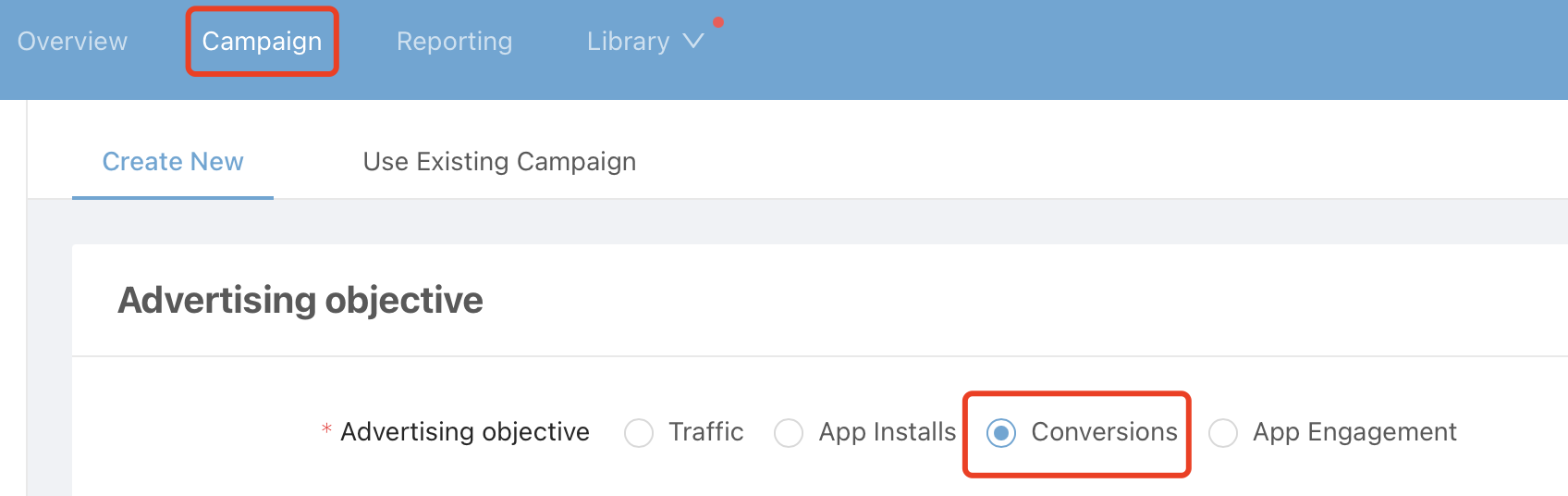
When creating your campaign, please select [conversion] as advertising objective.
1.2 Promotion Url
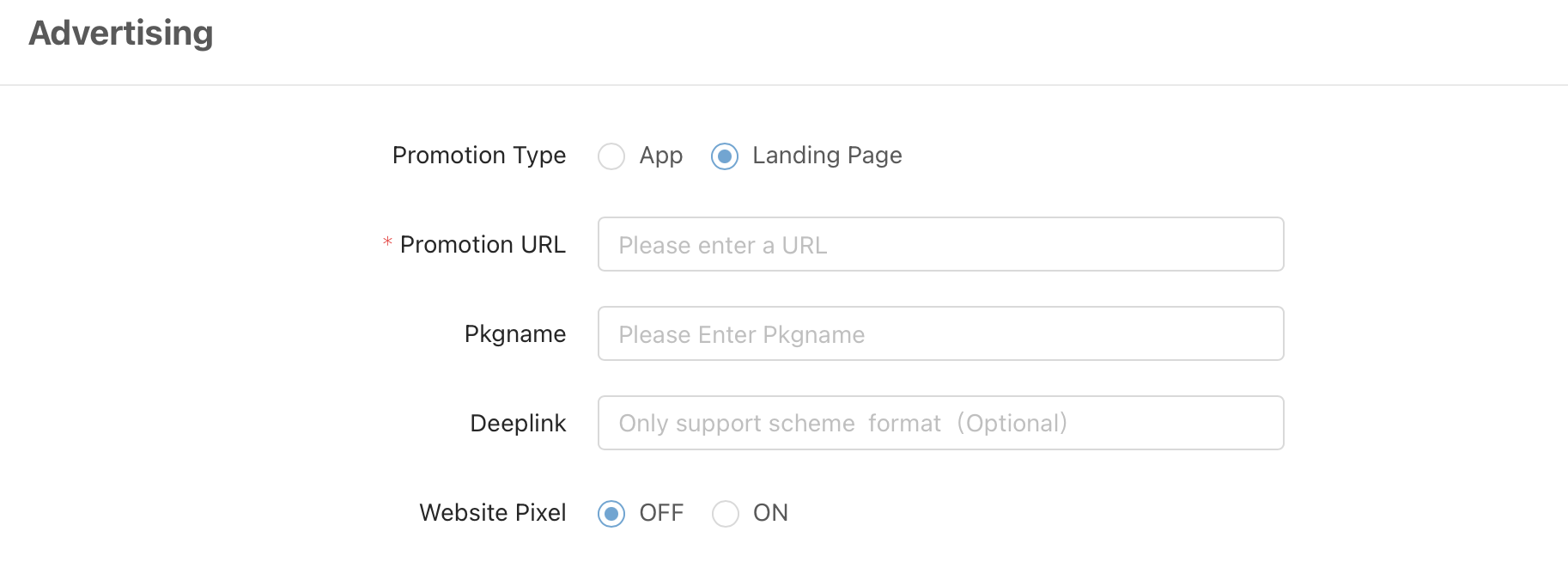
1.2.1 Please input your promotion url.
For e-commerce campaigns, it is recommended to input links which redirected to your target product.
1.2.2 Enable website pixel, and select your target event.
To volume up and lower conversion cost in learning phase, please choose shallow-funnel events for optimization, for example, "click button" or "add to cart".
Note: Pixel events will be available when meets one of the following conditions:
- You have already converted target event by advertising.
- Target event has been recorded with test.
1.3 Bidding
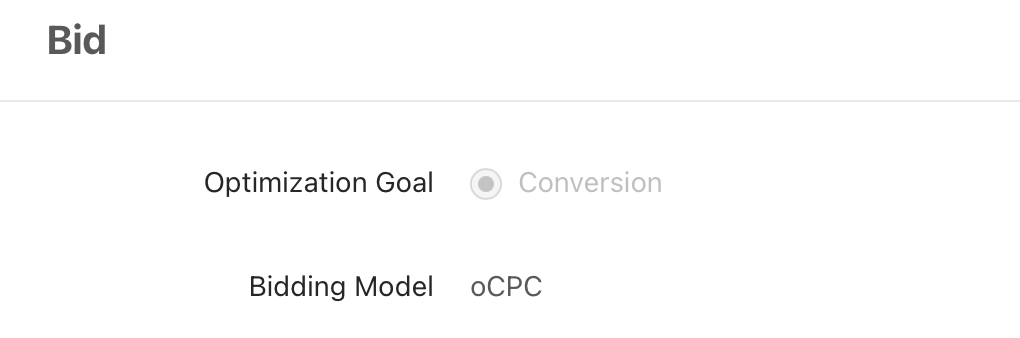
Please set up your bid strategy as below:
Optimization goal: conversion.
Bidding model: oCPC.
1.4 Performance Evaluation
To evaluate performance of your web campaigns, it is highly recommended to record, monitor and postback data by Pixel.
To set up Pixel, please refer to this document: Pixel Integration Guide