Audience Create and Lookalike
1. Introduction
A Lookalike Audience is an optimization method to reach new people who are likely to be interested in your business since they're similar to your best existing customers.
When you create a Lookalike Audience, you choose a source audience (a Custom Audience created with information by your side. You can upload customer file, pull from your pixel, mobile app, or ad engagement).
We identify the common characteristics of the people in it (for example, demographic information or interests). Then we deliver your ad to a new audience who are similar to (or "look like") them.
By using audience lookalike function, you are able to reach:
- Lower CPI: Use Lookalike in learning phase to lower CPI.
- Boost Volume: Find more precise users.
- Elevate ROI: Find high value users ”look like” your existing audience.
2. Setup Guide
2.1 Create a Custom Audience
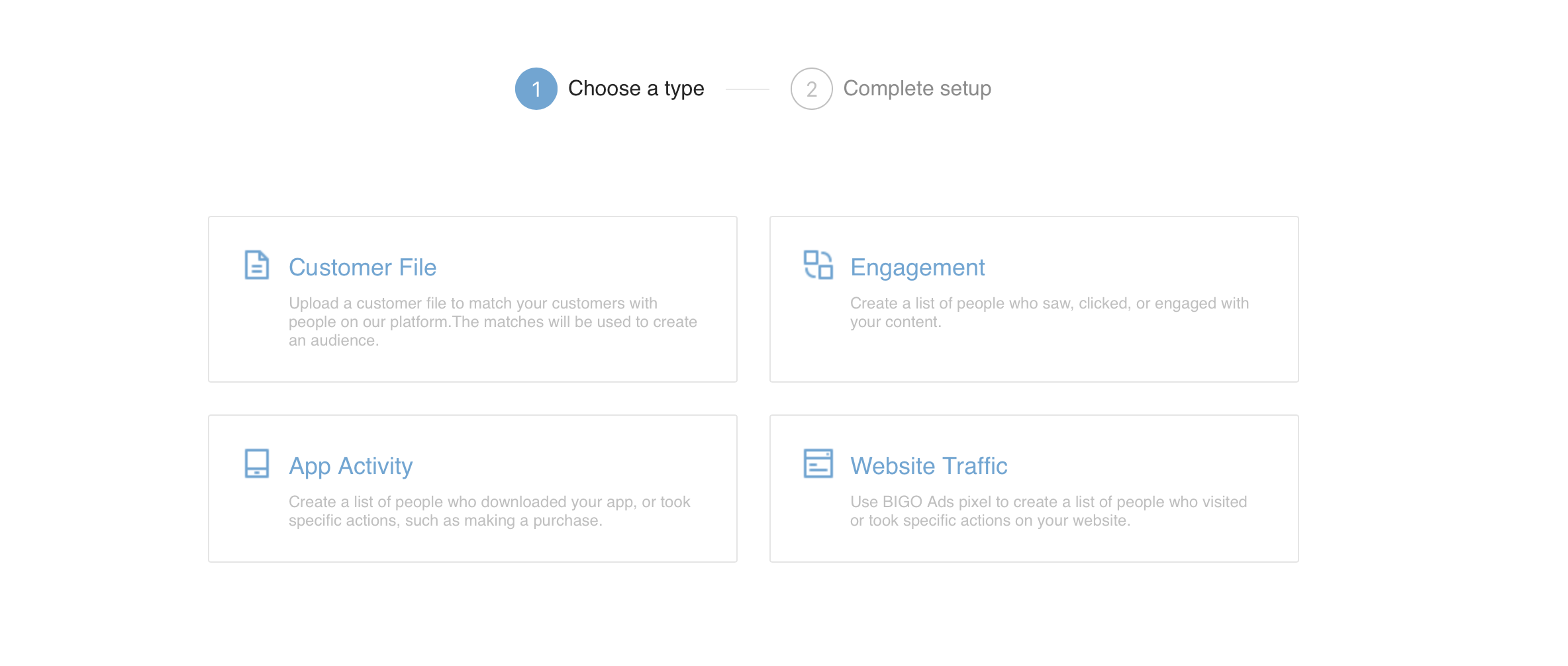
You can select “Customer File”, then upload a customer file (such as registered audience of your app, paid audience) to match with BIGO Ads audience.
If your ad account has been running for some time, you can select “Engagement, App Activity, Website Traffic” to create a Custom Audience.
Note:Your Custom Audience is expected to contain no less than 5000 people. The more your Custom Audience contains, the more precise the targeting will be.
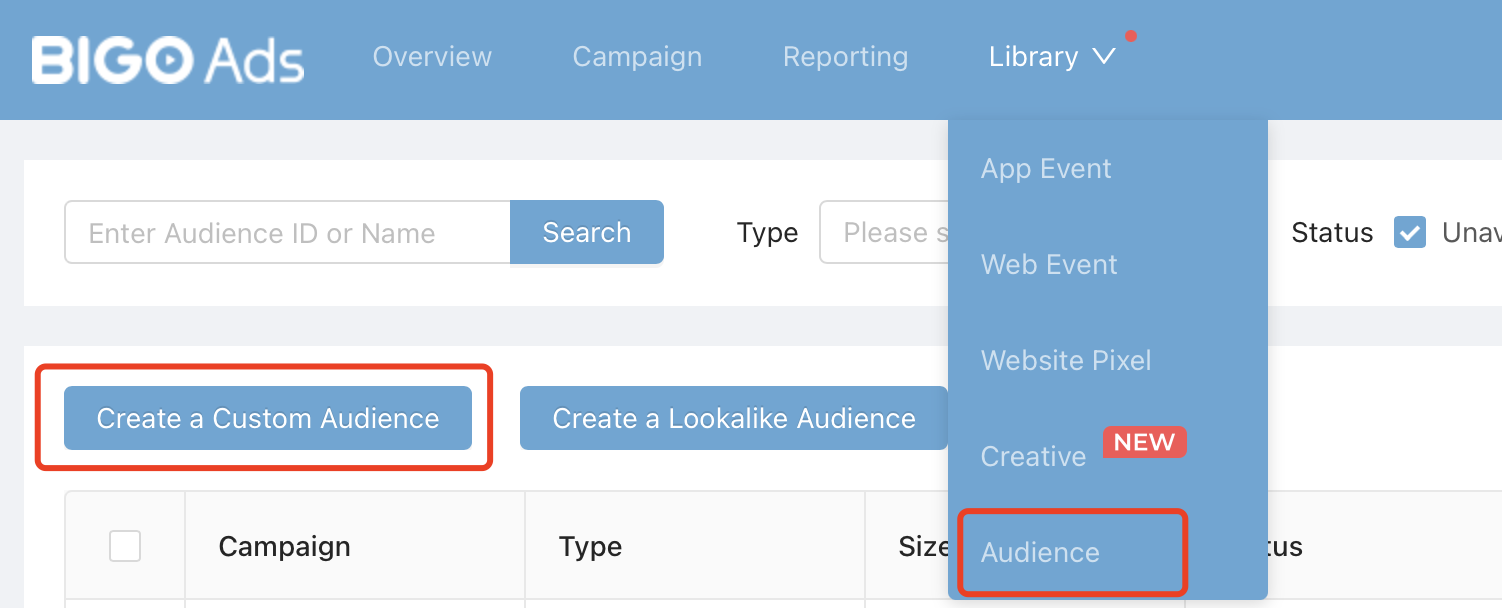
The source of audiences can be an offline file provided by clients, or users engaged with Bigo Ads campaigns.
You can choose a type in Audience page and proceed.
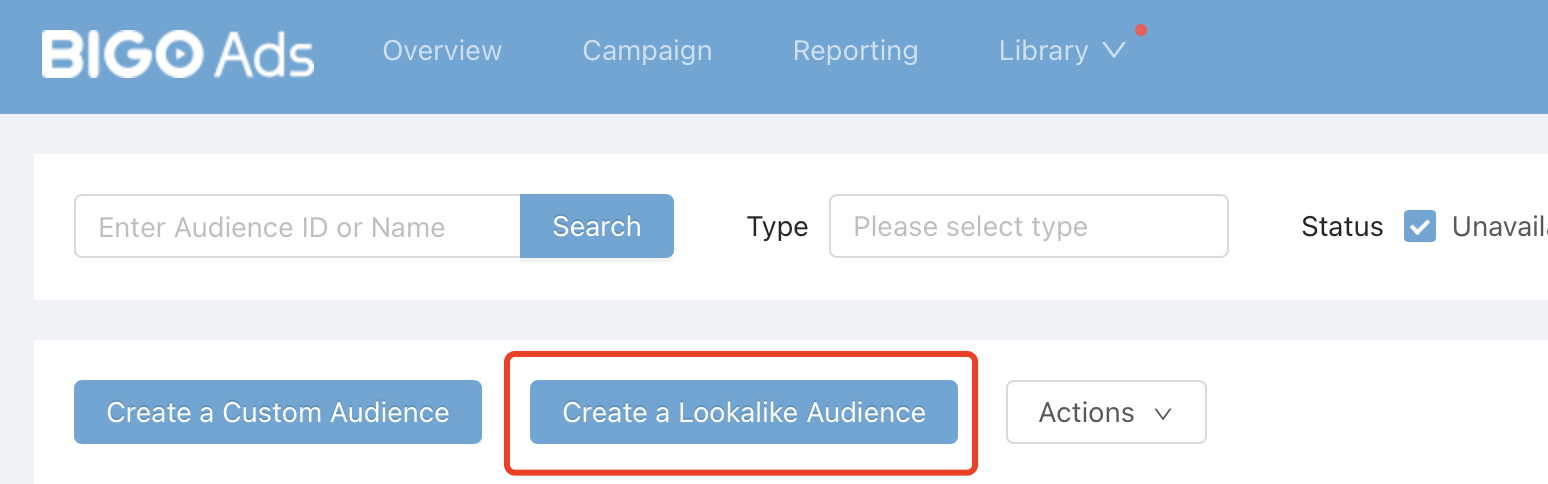
2.2 Create a Lookalike Audience
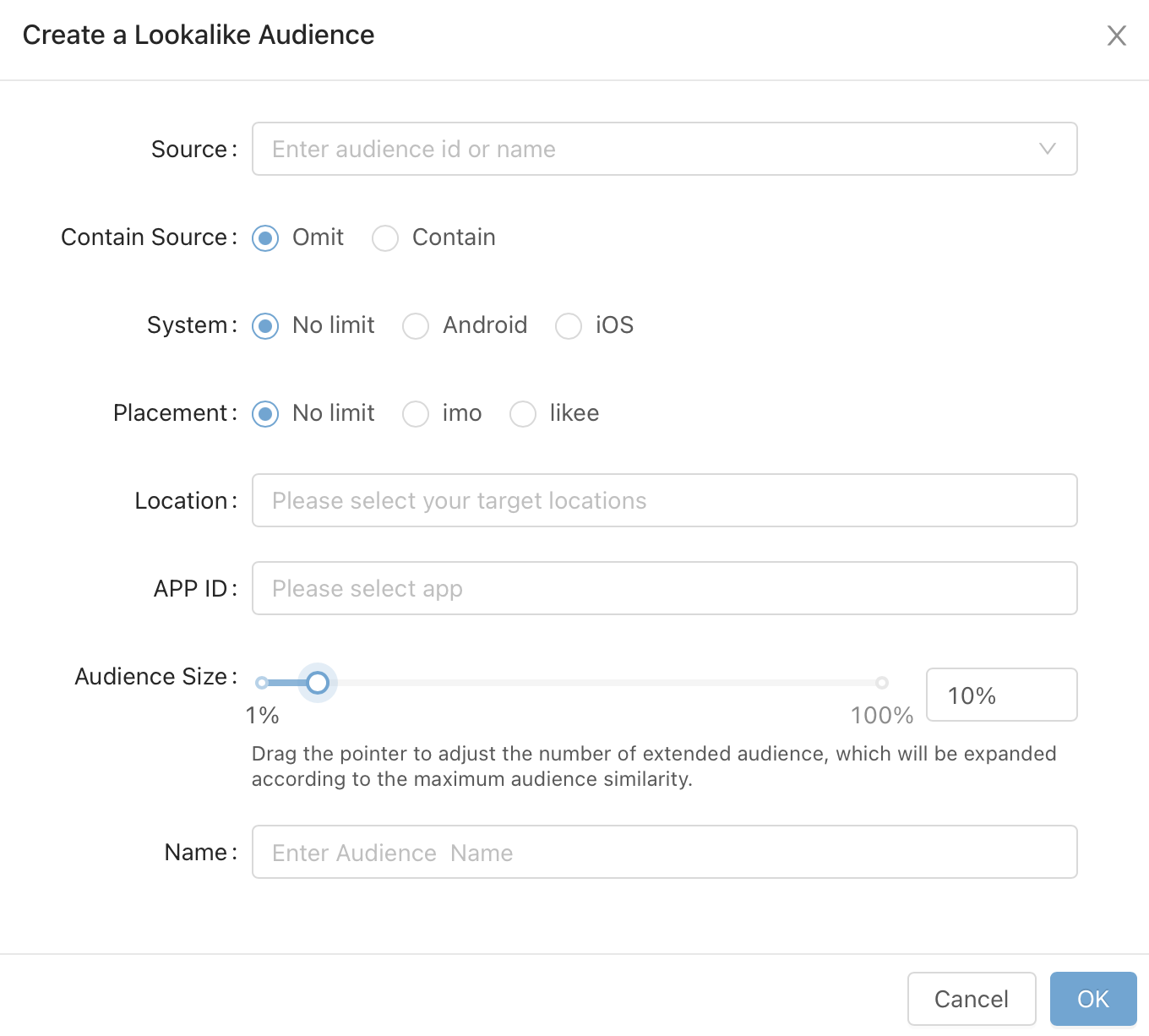
Source: Enter your Custom Audience id or name.
Contain Source: Select whether you want to filter the original source audience.
Location: Your Custom Audience and Lookalike Audience shoud be in the same location.
Audience Size: Ranges from 1%-10%. Creating a larger audience increases your potential reach, but reduces the level of similarity.